
This is a user manual for the M27Q model monitor released by GIGABYTE Technology. It provides detailed instructions on how to use the product.
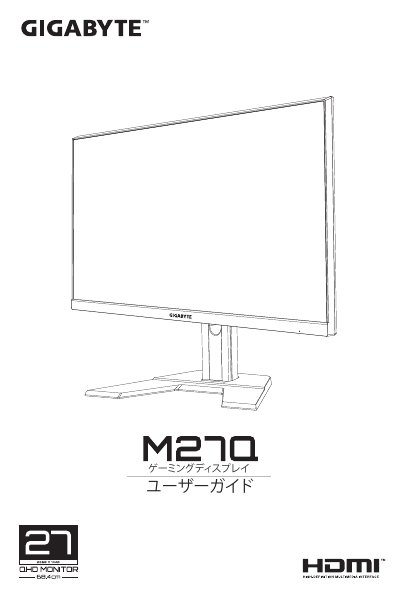
The document is a user guide for the GIGABYTE M27Q LCD monitor. It covers essential topics including safety notices, regulatory compliance statements (FCC, CE, RoHS), and detailed product specifications such as resolution, refresh rate, and connectivity options.
Key features highlighted in the text include a 16:9 aspect ratio with a native resolution of 2560 x 1440 pixels. The monitor supports a high refresh rate of 170Hz and utilizes LED backlighting with a brightness of 30,000 cd/m² (though this value appears anomalous in the source text). Connectivity options listed include HDMI 2.0, DisplayPort 1.2, and multiple USB ports. This manual is written in Japanese.
| Resolution | 2560 x 1440 |
|---|---|
| Refresh Rate | 170Hz |
The product name listed in the regulatory notices is M27Q.
The monitor supports 2x HDMI 2.0, 1x DP1.2, and 1x USB-C.