
Key facts
Start here
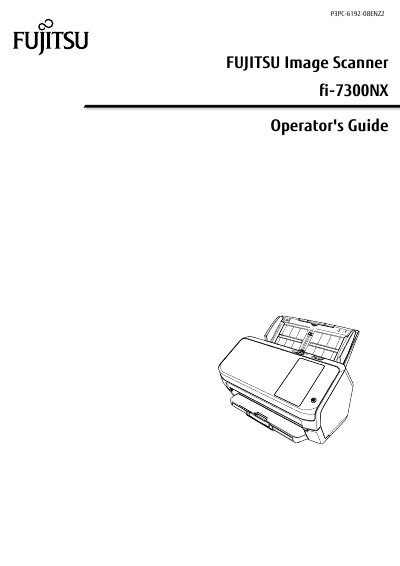
Fujitsu fi-7300NX Image Scanner Operator's Guide
User Manual 329 pages · 2.5 MB · EN
This document serves as the Operator's Guide for the Fujitsu fi-7300NX Image Scanner. It covers the complete lifecycle of the device, from initial setup and software installation to daily operations and maintenance. The guide details how to connect the scanner via Wi-Fi or wired LAN, install the bundled PaperStream NX software, and configure various scanning settings directly on the touch screen or via software.
Read onlineFujitsu fi-7300NX specifications
| Wi‑Fi standards | IEEE802.11a/b/g/n/ac |
|---|---|
| Touch screen | 4.3‑inch TFT color touch screen |
| Smart card reader | Contactless Smart Card Reader compliant with ISO/IEC 14443 Type A/B and ISO/IEC 18092 |
| Wi‑Fi frequency bands | 2.4 GHz and 5 GHz |
All Fujitsu fi-7300NX documents by type
User Manual 2
Day-to-day operation, settings and troubleshooting. Start here if the product is already set up.
Questions answered in these manuals
What Wi‑Fi standards does the fi‑7300NX support?
The scanner supports IEEE802.11a, b, g, n, and ac standards.
What size is the scanner’s touch screen?
The scanner features a 4.3‑inch TFT color touch screen.
What are the conditions for accurately detecting overlapped documents?
The manual lists specific conditions required to accurately detect overlapped documents (multifeed).
What is the model of the scanner described in this manual?
The model is fi-7300NX.