
Key facts
Start here
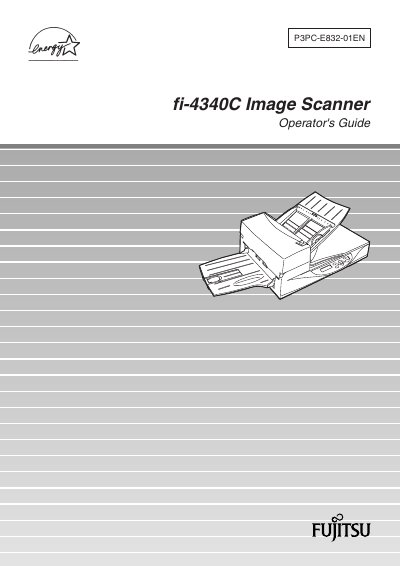
Fujitsu fi-4340C Image Scanner Operator's Guide
This Operator's Guide explains how to safely install, configure, and use the Fujitsu fi-4340C image scanner. It includes FCC and Canadian compliance information, cable length limits, and safety warnings for proper operation.
The manual covers components, installation and connection, driver installation, operating instructions, ADF document specifications, operator panel messages, setup mode, troubleshooting, consumables, options, and detailed scanner specifications. A glossary and index are also provided for quick reference.
Fujitsu FI-4340C specifications
| Supported document thickness | 0.065 mm to 0.15 mm |
|---|---|
| Paper length accuracy | 1% or less |
| Maximum printing duty | 12 % or less |
| Parallel interface cable length | ≤ 3 m (10 ft) |
| Serial interface cable length | ≤ 15 m (50 ft) |
All Fujitsu FI-4340C documents by type
Day-to-day operation, settings and troubleshooting. Start here if the product is already set up.
Questions answered in these manuals
What are the maximum lengths for the interface cables?
The parallel interface cable must be 3 meters (10 feet) or less, and the serial interface cable must be 15 meters (50 feet) or less.
What do the warning symbols mean in the manual?
WARNING indicates serious personal injury may result, CAUTION indicates minor injury or damage, and NOTICE provides tips or suggestions.