
Key facts
Start here
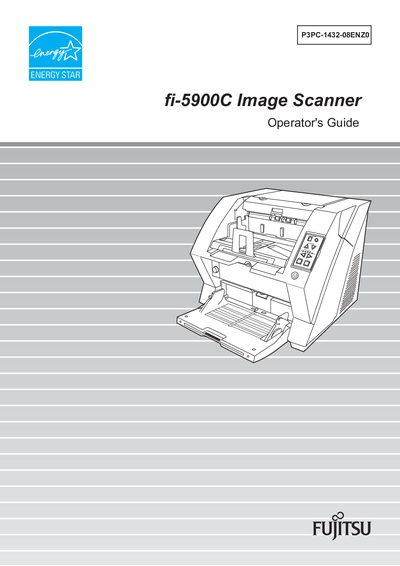
Fujitsu fi-5900C Image Scanner Operator's Guide
The fi-5900C is a high‑speed duplex color image scanner designed for large‑volume document handling. It features an elevator stacker, ultrasonic multi‑feed detection, and optional pre‑ and post‑imprinters to streamline scanning workflows.
This Operator's Guide provides detailed information on parts, basic operations, scanning various document types, daily care, consumable replacement, troubleshooting, ADF specifications, scanner settings, optional accessories, and full technical specifications.
Fujitsu FI-5900C specifications
| Scanning speed | 100 sheets or 200 pages per minute |
|---|---|
| Resolution | 300 dpi |
| Maximum daily throughput | about 100,000 sheets per day |
| SCSI cable length limit | 1.5 m (5 ft) or less |
| AC power cable length limit | 3 m (10 ft) or less |
| FCC classification | Class B digital device |
All Fujitsu FI-5900C documents by type
Day-to-day operation, settings and troubleshooting. Start here if the product is already set up.
Questions answered in these manuals
How does the scanner detect multi‑feed documents?
It uses ultrasonic multi‑feed detection sensors that reliably detect two or more documents fed together, regardless of thickness, size, color, or density.
What optional imprinters are available for the scanner?
Two options are offered: a Pre‑Imprinter that prints information on the front side before scanning, and a Post‑Imprinter that prints on the back side after scanning.
How does the scanner detect multi‑feed jams?
It uses ultrasonic multi‑feed detection sensors that reliably detect two or more documents fed together.
What imprinting options are available for the fi-5900C?
Optional pre‑imprinter prints information on the front side before scanning, while the post‑imprinter prints on the back side after scanning.