
Key facts
Start here
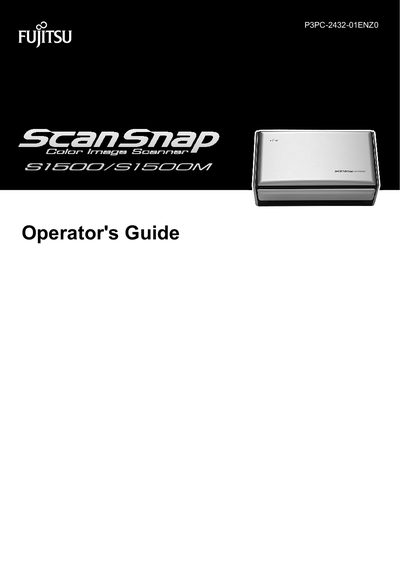
Fujitsu ScanSnap S1500/S1500M Operator's Guide
This Operator's Guide provides detailed instructions for using the Fujitsu ScanSnap S1500 and S1500M color image scanners. It includes safety precautions, an overview of scanner features, system requirements, and step‑by‑step procedures for scanning on Windows and Mac OS.
The manual also covers software installation, daily care, consumable replacement, troubleshooting common issues, and how to access help resources within ScanSnap Manager and related applications.
FUJITSU ScanSnap S1500 specifications
| Operating Systems | Windows® 7 (32-bit/64-bit), Windows Vista® (32-bit/64-bit), Windows® XP (32-bit), Windows® 2000 |
|---|---|
| CPU | Intel® Core™ 2 Duo 2.2 GHz or higher (minimum: Intel® Pentium® 4 1.8 GHz) |
| Memory | 32-bit Windows: 1 GB or more; 64-bit Windows: 2 GB or more |
| Hard Disk Space | 3350 MB or more (3800 MB or more for Rack2-Filer) |
All FUJITSU ScanSnap S1500 documents by type
Day-to-day operation, settings and troubleshooting. Start here if the product is already set up.
Questions answered in these manuals
What software comes with the ScanSnap S1500/S1500M?
The software includes ScanSnap Manager, ScanSnap Organizer, CardMinder, and ABBYY FineReader for ScanSnap™. Additional software like Evernote or Adobe Acrobat may require separate installation.
What are the system requirements for Windows?
Windows® 7 (32-bit/64-bit), Windows Vista® (32-bit/64-bit), Windows® XP (32-bit), or Windows® 2000. CPU: Intel® Core™ 2 Duo 2.2 GHz or higher (minimum: Intel® Pentium® 4 1.8 GHz). Memory: 1 GB or more for 32-bit, 2 GB or more for 64-bit.