
Key facts
Start here
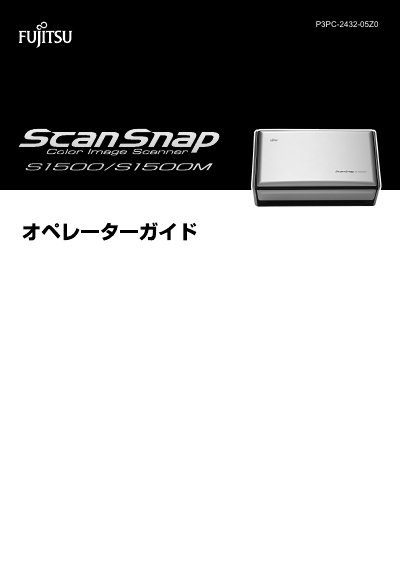
Fujitsu ScanSnap S1500/S1500M Color Image Scanner Operator's Guide
This operator's guide covers the Fujitsu ScanSnap S1500 and S1500M color image scanners. It explains basic operation, software installation, scanning methods, settings, and handling, with separate sections for Windows and Mac OS.
It also describes related manuals, troubleshooting references, cleaning procedures, consumable replacement, appendix topics, and repair/contact information. The document number is P3PC-2432-05Z0, and PFU Limited is listed as the developer and seller. This manual is written in Japanese.
FUJITSU S1500M specifications
| Operating Systems | Windows® 7 (32-bit/64-bit), Windows Vista® (32-bit/64-bit), Windows® XP (32-bit), Windows® 2000 |
|---|---|
| CPU | Intel® Core™ 2 Duo 2.2 GHz or higher (minimum: Intel® Pentium® 4 1.8 GHz) |
| Memory | 32-bit Windows: 1 GB or more; 64-bit Windows: 2 GB or more |
| Hard Disk Space | 3350 MB or more (3800 MB or more for Rack2-Filer) |
All FUJITSU S1500M documents by type
Day-to-day operation, settings and troubleshooting. Start here if the product is already set up.
Questions answered in these manuals
Which ScanSnap models does this guide cover?
It covers the ScanSnap S1500 and S1500M color image scanners.
From: Fujitsu ScanSnap S1500/S1500M Color Image Scanner Operator's Guide
How do I open the Operator's Guide on Windows?
Select Start > All Programs > ScanSnap Manager > Operator's Guide.
From: Fujitsu ScanSnap S1500/S1500M Color Image Scanner Operator's Guide
What software comes with the ScanSnap S1500/S1500M?
The software includes ScanSnap Manager, ScanSnap Organizer, CardMinder, and ABBYY FineReader for ScanSnap™. Additional software like Evernote or Adobe Acrobat may require separate installation.
What are the system requirements for Windows?
Windows® 7 (32-bit/64-bit), Windows Vista® (32-bit/64-bit), Windows® XP (32-bit), or Windows® 2000. CPU: Intel® Core™ 2 Duo 2.2 GHz or higher (minimum: Intel® Pentium® 4 1.8 GHz). Memory: 1 GB or more for 32-bit, 2 GB or more for 64-bit.