
Key facts
Start here
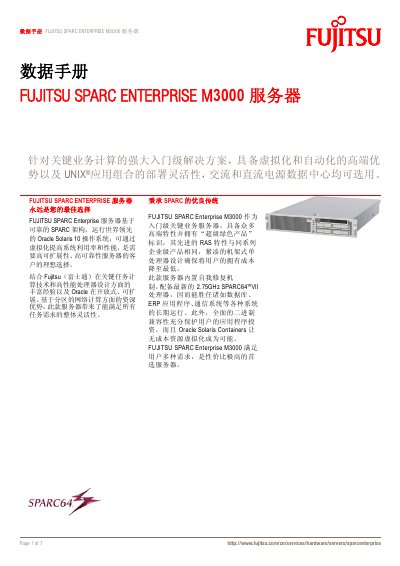
Fujitsu SPARC Enterprise M3000 Server Data Sheet
The Fujitsu SPARC Enterprise M3000 is an entry‑level server built on the SPARC64 VII four‑core processor and designed for critical business workloads. It runs Oracle Solaris 10 and supports extensive virtualization with thousands of Solaris Containers.
The data sheet lists technical specifications such as eight DDR2 SDRAM slots (4 GB‑64 GB total), four hot‑swap 2.5" SAS drive bays, four Gigabit Ethernet ports, and dual‑voltage AC power options. Compliance with global safety and EMC standards is also documented. This manual is written in Chinese.
Fujitsu SPARC Enterprise M3000 specifications
| Memory capacity | 4 GB‑64 GB |
|---|---|
| Drive bays | 4 hot‑swap 2.5" SAS drive bays |
| Network ports | 4 Gigabit Ethernet RJ45 ports |
All Fujitsu SPARC Enterprise M3000 documents by type
Ratings, dimensions and ordering codes, for selection and design work.
Questions answered in these manuals
What operating system is preinstalled on the M3000?
The server comes with Oracle Solaris 10 preinstalled.
What is the maximum memory supported by the M3000?
The server supports up to 64 GB of DDR2 SDRAM.
What XCP version does the SPARC Enterprise M3000 support?
The server supports XCP version 1090.
How can I check for memory degradation on the M3000?
Log in to XSCF and run the command “showstatus” to see if any DIMM is reported as degraded.