
Key facts
- Brand
- Fujitsu
- Model
- fi-5110EOX
- Documents
- 2
- Languages
- EN
- Last added
- 2012-03-31
Start here
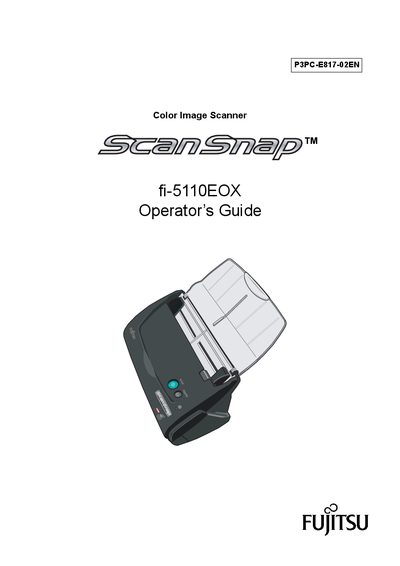
Fujitsu ScanSnap fi-5110EOX Operator's Guide
This guide introduces the ScanSnap fi-5110EOX color image scanner and explains how to install the hardware, connect it to a PC, and use the supplied software. It covers safety precautions, part identification, and the steps required to start scanning right away.
The manual also details scanning settings, handling different document types, cleaning procedures, consumable replacement, and troubleshooting. Regulatory and compliance information, as well as warranty notices, are included at the end of the document.
Fujitsu fi-5110EOX specifications
| Scanning speed | about 15 sheets/minute |
|---|---|
| Maximum AC cable length | 3 meters (10 feet) or less |
| TWAIN/ISIS support | Not supported |
| Automatic blank‑page removal | Enabled |
All Fujitsu fi-5110EOX documents by type
Day-to-day operation, settings and troubleshooting. Start here if the product is already set up.
Questions answered in these manuals
What is the scanning speed of the ScanSnap fi-5110EOX?
It can scan double‑sided color documents at about 15 sheets per minute.
Does the ScanSnap fi-5110EOX support TWAIN or ISIS standards?
No, the scanner does not support TWAIN or ISIS standards.
What is the scanning speed of the ScanSnap fi-5110EOXM in Normal mode?
It can scan up to 15 sheets per minute when set to Normal (Fastest) quality.
Does the fi-5110EOXM support TWAIN or ISIS drivers?
No, the scanner does not support the TWAIN and ISIS standards.