
Key facts
Start here
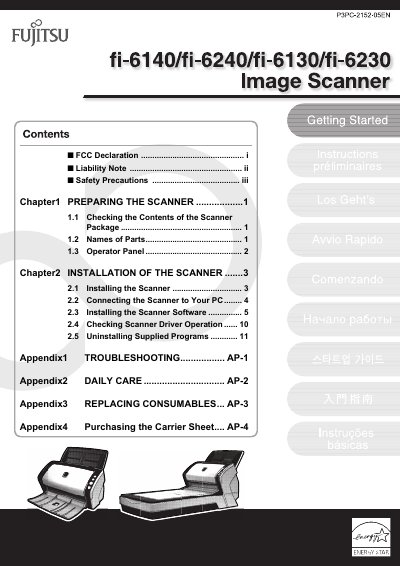
FUJITSU fi-6140/fi-6240/fi-6130/fi-6230 Image Scanner User's Guide
This document serves as the User's Guide for the FUJITSU fi-6140/fi-6240/fi-6130/fi-6230 duplex color image scanner. It covers essential procedures for getting started, including checking package contents, identifying parts, and operating the device. The guide details the installation process, which involves physically setting up the scanner, connecting it to a PC, and installing the necessary software and drivers.
Read onlineAll FUJITSU fi-6230 documents by type
Day-to-day operation, settings and troubleshooting. Start here if the product is already set up.
Questions answered in these manuals
What is the maximum length allowed for the AC power cord?
The AC power cord length must not exceed 3 meters.
From: Fujitsu fi-6140/fi-6240/fi-6130/fi-6230 Image Scanner User Manual
What is the maximum sound pressure level for this scanner?
The highest sound pressure level is 70 dB (A) or less.
From: Fujitsu fi-6140/fi-6240/fi-6130/fi-6230 Image Scanner User Manual
What is the maximum allowed length for the AC cable?
The AC cable must be 3 meters (10 feet) or less.
From: FUJITSU fi-6140/fi-6240/fi-6130/fi-6230 Image Scanner User's Guide
What is the maximum sound pressure level of the scanner?
The maximum sound pressure level is 70 dB (A) or less.
From: FUJITSU fi-6140/fi-6240/fi-6130/fi-6230 Image Scanner User's Guide