
Key facts
Start here
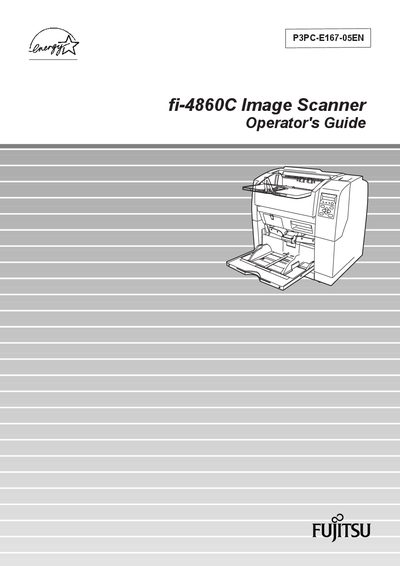
Fujitsu fi-4860C Image Scanner Operator's Guide
This guide introduces the Fujitsu fi-4860C duplex color scanner, highlighting its high‑speed, high‑quality scanning of Letter/A4 documents at 60 ppm (120 ipm duplex) with 200 dpi resolution and a 500‑sheet high‑capacity hopper.
It covers basic operation, document scanning, daily care, consumable replacement, common problem solving, ADF specifications, panel menus, optional accessories, detailed specifications, installation, connections, and regulatory compliance information.
Fujitsu FI-4860C specifications
| Scanning speed (A4, 200 dpi) | 60 ppm (color) / 120 ipm (black) |
|---|---|
| Document hopper capacity | 500 sheets (20 lb / 75 g·m² A4) |
| Duplex scanning | Standard |
| Parallel interface cable max length | 3 m (10 ft) |
| Serial interface cable max length | 15 m (50 ft) |
| AC cable max length | 3 m (10 ft) |
Source: Fujitsu fi-4860C Duplex Color Scanner Operator's Guide
All Fujitsu FI-4860C documents by type
Day-to-day operation, settings and troubleshooting. Start here if the product is already set up.
Questions answered in these manuals
What is the scanning speed of the fi-4860C?
It scans A4‑size documents at 60 ppm in color or 120 ipm in black at 200 dpi.
From: Fujitsu fi-4860C Duplex Color Scanner Operator's Guide
How many sheets can the document hopper hold?
The hopper can hold up to 500 sheets of 20 lb (75 g·m²) A4 paper.
From: Fujitsu fi-4860C Duplex Color Scanner Operator's Guide
What is the scanning speed of the fi-4860C?
It scans Letter/A4 documents at 60 pages per minute in simplex mode and 120 images per minute in duplex mode.
How many sheets can the feeder hold?
The scanner’s hopper can hold up to 500 sheets of 20 lb (80 g/m²) paper.