
Fujitsu fi-7300NX Image Scanner Operator's Guide

This is a manual that introduces the operating methods of the Fujitsu fi-7300NX scanner
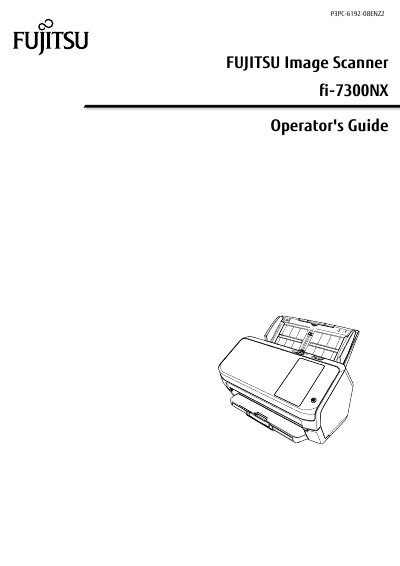

Fujitsu fi-7300NX Image Scanner Operator's Guide - cover page
Brand
Fujitsu
Category
Scanner
Document type
User Manual
Language
English
Pages
329
File format
PDF
File size
2.5 MB
Published
18 October, 2023
Updated
18 October, 2023
MD5 checksum
3BFC42CD14B842C2B993AC06A1FC3F92

About this manual

This document serves as the Operator's Guide for the Fujitsu fi-7300NX Image Scanner. It covers the complete lifecycle of the device, from initial setup and software installation to daily operations and maintenance. The guide details how to connect the scanner via Wi-Fi or wired LAN, install the bundled PaperStream NX software, and configure various scanning settings directly on the touch screen or via software.

What's inside

  • Scanner Overview
  • Scanner Setup
  • Basic Operations
  • Daily Care
  • Replacing the Consumables
  • Troubleshooting
  • Scanner Settings
  • Cleaning & Maintenance

Specifications

Product NameFujitsu Image Scanner fi-7300NX

Frequently asked questions

What are the conditions for accurately detecting overlapped documents?

The manual lists specific conditions required to accurately detect overlapped documents (multifeed).

What is the model of the scanner described in this manual?

The model is fi-7300NX.

What is the maximum document length supported by the ADF?

The document length is A6 (Landscape) or Longer.

What is the maximum number of retries for paper feeding?

The number of paper feeding retries can be specified.

Download PDF (2.5 MB)

More Fujitsu Manuals


View all Fujitsu manuals →