
Key facts
Start here
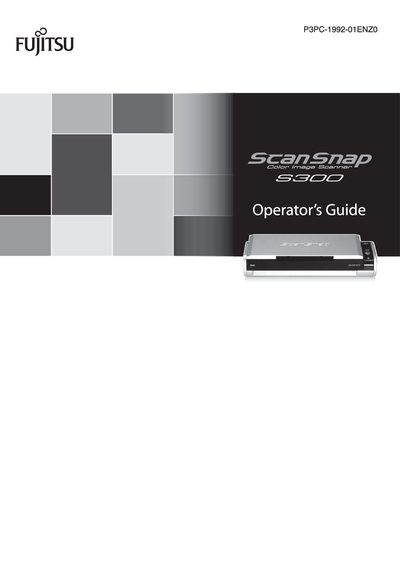
Fujitsu ScanSnap S300 Operator's Guide
User Manual 236 pages · 9.6 MB · EN
This guide introduces the ScanSnap S300, a compact, lightweight color image scanner capable of double‑sided scanning of A4 or letter‑size documents. It explains the scanner’s key advantages, such as one‑button PDF creation, automatic document type recognition, and portable USB‑bus power operation.
The manual covers detailed procedures for connecting the device, using Quick and Left‑Click menus, configuring profiles, handling business cards with CardMinder, performing OCR, troubleshooting common issues, daily care, and replacing consumables. Appendices provide information on software updates, uninstallation, and installation specifications.
All Fujitsu S300 documents by type
User Manual 2
Day-to-day operation, settings and troubleshooting. Start here if the product is already set up.