
Key facts
Start here
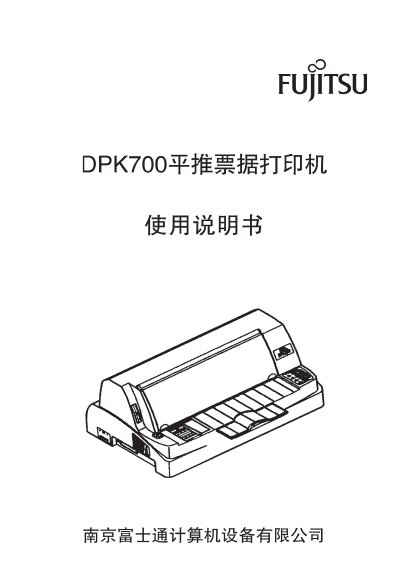
Fujitsu DPK700 Dot Matrix Printer User Manual
This manual provides detailed instructions for installing, operating, and maintaining the Fujitsu DPK700 dot matrix printer. It covers safety precautions, component identification, power setup, ribbon installation, and troubleshooting. The printer supports high-speed printing with 24-pin technology and is designed for use in business and office environments.
The manual also includes technical specifications such as print speed, character sets, and compatibility with various interfaces and control codes, along with operational tips for optimal performance. This manual is written in Japanese.
Fujitsu DPK700 specifications
| Print head needles | 24 needles, 0.2 mm needle diameter |
|---|---|
| Print speed (Chinese characters) | 215 characters/second |
| Print speed (English characters) | 350 characters/second |
| MTBF | 12,000 hours |
| Overall machine life | 5 million lines |
| Print head life | 6.5 million characters |
| Minimum print width | 70 mm |
All Fujitsu DPK700 documents by type
Day-to-day operation, settings and troubleshooting. Start here if the product is already set up.
Questions answered in these manuals
What is the print speed of the DPK700H printer?
The printer can print up to 215 Chinese characters per second and 350 English characters per second.
What safety precautions should be observed when using the DPK700K printer?
Do not place the printer in humid or oily environments, keep it away from water, and avoid putting heavy objects on top of it.
What power source is required for the DPK700K printer?
The printer should be connected to a standard household AC source of 220 V at 50/60 Hz.
What safety warnings should be followed when using the DPK700S printer?
Do not use the printer in wet locations such as bathrooms, and always turn off the power and unplug the printer before handling accessories or performing maintenance.
How can I resolve a situation where the power/paper‑out light is on and the printer does not print?
Check that paper is correctly loaded and positioned, ensure the ribbon is properly installed and not expired, and verify that the interface cable is securely connected before restarting the printer.
What is the print speed of the DPK700 printer?
The printer can print at 67 characters/second (ANK) or 100 characters/second (PICA).