
The Fujitsu fi-7300NX Operator's Guide explains setup, operation, maintenance, and troubleshooting for the Image Scanner.
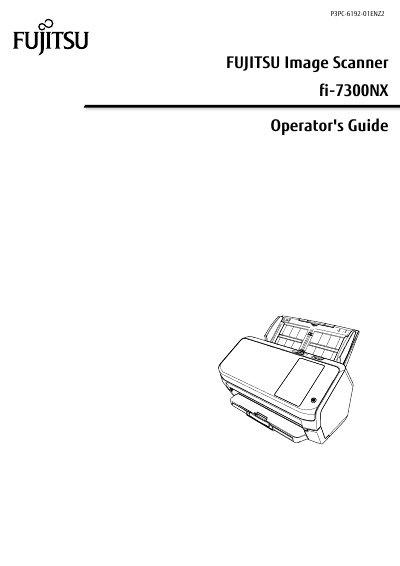
This Operator's Guide provides step‑by‑step instructions for installing, configuring, and using the Fujitsu fi-7300NX Image Scanner. It covers hardware setup, network connections (Wi‑Fi, wired LAN, USB), basic scanning operations, and advanced features such as ADF handling and paper protection.
The manual also includes detailed troubleshooting information, error codes, cleaning and consumable replacement procedures, and settings for power management, image quality, and multifeed detection. Appendices list technical specifications, scanner options, and contact information for support.
| Wi‑Fi standards | IEEE802.11a/b/g/n/ac |
|---|---|
| Touch screen | 4.3‑inch TFT color touch screen |
| Smart card reader | Contactless Smart Card Reader compliant with ISO/IEC 14443 Type A/B and ISO/IEC 18092 |
| Wi‑Fi frequency bands | 2.4 GHz and 5 GHz |
The scanner supports IEEE802.11a, b, g, n, and ac standards.
The scanner features a 4.3‑inch TFT color touch screen.