
Key facts
- Brand
- Fujitsu
- Model
- STRDESIGN V18
- Documents
- 2
- Languages
- JA
- Last added
- 2023-10-16
Start here
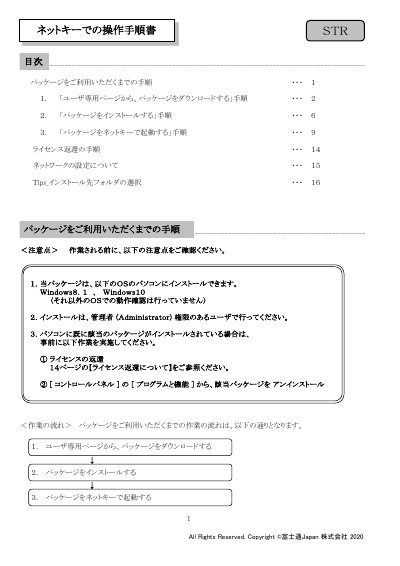
Fujitsu STRDESIGN V18 Installation Manual
User Manual 16 pages · 2.3 MB · JA
This manual provides step-by-step instructions for installing the Fujitsu STRDESIGN V18 software package on Windows 8.1 or Windows 10 systems. It covers downloading the installer from the user portal, running the installation wizard, and configuring the software environment. This manual is written in Japanese.
Read onlineAll Fujitsu STRDESIGN V18 documents by type
User Manual 2
Day-to-day operation, settings and troubleshooting. Start here if the product is already set up.
Questions answered in these manuals
How do I return the license if I change my computer?
You must return the NetKey before changing computer-specific information like the OS or hardware.
What happens to the desktop and start menu after installation completes?
A shortcut icon for STRDESIGN V18 is created on the desktop, and a menu entry is added to the start menu.
Which operating systems are supported for installation?
The package can be installed on Windows 8.1 and Windows 10.
What user permissions are required to install the software?
Installation must be performed by a user with Administrator privileges.