
Key facts
Start here
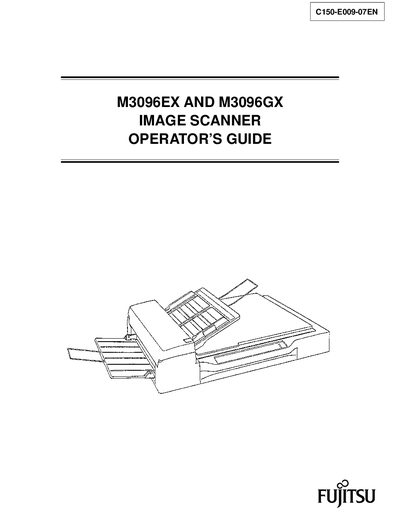
Fujitsu M3096EX and M3096GX Image Scanner Operator's Guide
This manual explains how to operate the Fujitsu M3096EX and M3096GX image scanners, covering hardware components, installation, connections, and normal use. It also details safety warnings and cautions to prevent injury or damage.
The guide includes detailed procedures for routine maintenance such as cleaning, pad and pick‑roller replacement, as well as troubleshooting steps and appendices with specifications and contact information for Fujitsu support.
Fujitsu M3096G specifications
| Dimensions (W x D x H) – M3096H | 659 mm × 497 mm × 109 mm |
|---|---|
| Weight – M3096G | 27 kg (59.6 lb) |
| Weight – M3096H | 22 kg (48.6 lb) |
| Input voltage (North America) | 100‑120 VAC |
| Input voltage (Europe) | 200‑240 VAC |
| Number of phases | Single phase |
| Frequency | 50/60 Hz |
| Power consumption (North America) | 2.2 A |
| Operating temperature range | 5 °C to 35 °C |
| Operating humidity range | 20 % to 80 % |
All Fujitsu M3096G documents by type
Day-to-day operation, settings and troubleshooting. Start here if the product is already set up.
Questions answered in these manuals
What document sizes can the M3096G scan?
The M3096G can scan sheets of paper up to A3 and double‑letter size.
Which model includes an automatic document feeder (ADF)?
Only the M3096G model includes an automatic document feeder.
What interface does the M3096EX scanner use?
The M3096EX uses an RS232C interface.
From: Fujitsu M3096EX and M3096GX Image Scanner Operator's Guide
What interface does the M3096GX scanner use?
The M3096GX uses a SCSI2 interface.
From: Fujitsu M3096EX and M3096GX Image Scanner Operator's Guide