
The P3PC-6192-10Z2 Image Scanner fi-7300NX Operator's Guide provides detailed instructions on how to use the scanner. Topics covered include: * Introduction * Setting Up the Scanner * Installing the Software * Basic Operation * Setting the Original * Scanning * Troubleshooting The guide also includes a number of appendices that provide additional information, such as: * Specifications * Error Messages * Index
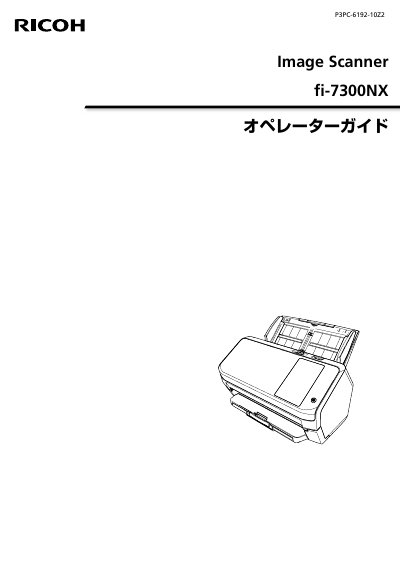
This is the Japanese operator's guide for the Fujitsu fi-7300NX image scanner. It explains scanner setup over a wireless LAN (including WPS and manual entry of access point details), a wired LAN or a USB cable, how to check the network connection, and how to install the bundled software. Basic operation is covered as well: turning the power on and off, login/logout when PaperStream NX Manager is used, power saving mode, opening and closing the ADF, setting the ADF feed chute and stacker, and loading documents.
The guide then describes various scanning methods, daily care and cleaning of the scanner and the A3 carrier sheet, and replacement of consumables such as the brake roller and pick roller. A large troubleshooting section lists error codes and remedies for paper jams, multifeeds and connection problems, followed by administrator settings in Software Operation Panel and an appendix with the basic scanner specifications, installation requirements and external dimensions. This manual is written in Japanese.
The guide points to the PFU Imaging Service & Support Center contact page at www.pfu.fujitsu.com/imaging/contact.html.
No. The guide states that inquiries about ABBYY FineReader for ScanSnap cannot be answered at that desk and refers to that product's user's guide instead.