
Key facts
Start here
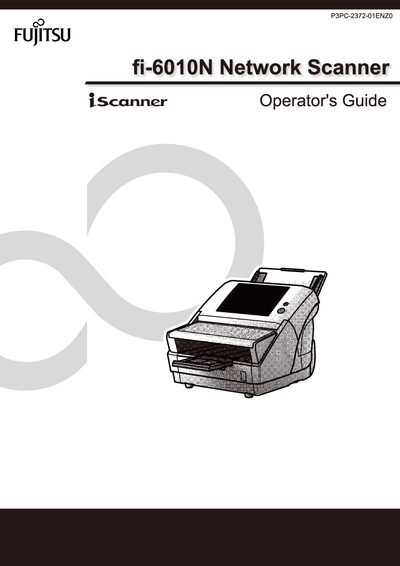
Fujitsu fi-6010N Network Scanner Operator's Guide
This Operator's Guide covers the features, basic uses, and system requirements of the Fujitsu fi-6010N Network Scanner. It explains how to install the scanner, configure network settings, and manage users through the Admin Tool and Central Admin Console.
The manual also details maintenance procedures, job sequencing, log management, and troubleshooting steps, including how to back up and restore system settings and user data.
All Fujitsu fi-6010N documents by type
Day-to-day operation, settings and troubleshooting. Start here if the product is already set up.
Questions answered in these manuals
What is the maximum noise level of this scanner?
The highest sound pressure level is 70 dB (A) or less.
What is the maximum length allowed for the power cord?
The power cord length should not exceed 2 meters (6.6 feet).
What is the fi-6010N Network Scanner used for?
It is used to scan documents for further use.
From: FUJITSU fi-6010N Network Scanner Getting Started Guide
What is the maximum length of the AC cable required for installation?
The length of the AC cable must be 2 meters (6.6 feet) or less.
From: FUJITSU fi-6010N Network Scanner Getting Started Guide
How can I set the scanner's IP address?
Use the Network Settings menu, option 4.7.1 Giving the Scanner an IP Address.
How do I back up the user data store?
Select Maintenance Menus → 4.10.1 Maintaining the User Data Store → Backing up the User Data Store.