
Key facts
- Brand
- Fujitsu
- Model
- fi-5750C
- Industry
- Electronics
- Documents
- 2
- Languages
- ZH · EN
- Last added
- 2026-11-26
Start here
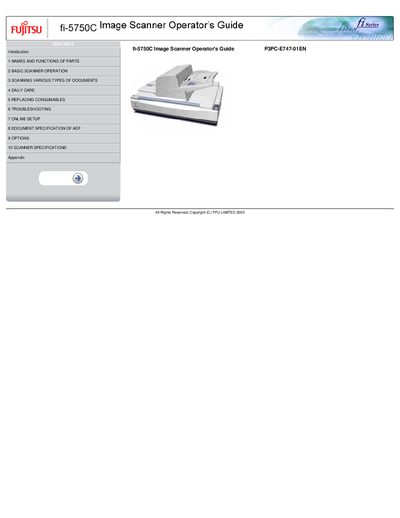
Fujitsu fi-5750C Image Scanner Operator's Guide
The fi-5750C is a high‑performance duplex color scanner with an automatic document feeder (ADF) and a flatbed for manual scanning. This operator's guide explains how to install, configure, and use the scanner safely and efficiently.
The manual is organized into sections covering names and functions of parts, basic operation, scanning various document types, daily care, consumable replacement, troubleshooting, online setup, ADF specifications, optional accessories, scanner specifications, and appendices with additional details.
Fujitsu fi-5750C specifications
| Scanning Speed (Color) | 55 ppm at 200 and 300 dpi |
|---|---|
| Scanning Speed (Mono) | 55 ppm at 200 and 300 dpi |
| ADF Capacity | Maximum 200 sheets, A4 |
| Document Size | A8 to A3 |
| Output Resolution | 50 to 600 dpi |
| Interfaces | Ultra SCSI (Half pitch 50 pin) x 1, USB 2.0 x 1 |
| Memory | 128 MB x 2 |
| Weight | 35 kg |
| Dimensions | 342 x 690 x 500 mm |
| Operating Temperature | 5°C - 35°C |
| Operating Humidity | 20% - 80% (non-condensing) |
| Power Consumption | 216 W, Sleep mode: 12W |
| Bundled Software | Adobe® Acrobat®6.0 |
All Fujitsu fi-5750C documents by type
Day-to-day operation, settings and troubleshooting. Start here if the product is already set up.
Questions answered in these manuals
What is the scanning speed of the fi-5750C?
It scans at 55 ppm in color and 55 ppm in mono at 200 and 300 dpi.
What document sizes can it scan?
It supports scanning from A8 to A3 sizes.
How do I turn the scanner on or off?
Use the power switch as described in section 2.1 Turning the scanner ON/OFF.
How should I clean the Automatic Document Feeder (ADF)?
Clean the ADF according to the instructions in section 4.1 Cleaning materials and locations requiring cleaning.