
This manual describes the basic functions, operations and daily care of the fi-5750c Color Scanner.
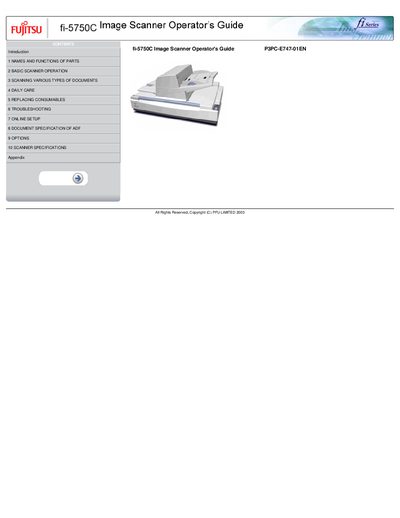
The fi-5750C is a high‑performance duplex color scanner with an automatic document feeder (ADF) and a flatbed for manual scanning. This operator's guide explains how to install, configure, and use the scanner safely and efficiently.
The manual is organized into sections covering names and functions of parts, basic operation, scanning various document types, daily care, consumable replacement, troubleshooting, online setup, ADF specifications, optional accessories, scanner specifications, and appendices with additional details.
| Scanning speed | 55 ppm (color) / 110 ipm (black) |
|---|---|
| Maximum scanning area | 304.8 mm x 457.2 mm (12 in x 18 in) |
| Resolution | 200 dpi |
Use the power switch as described in section 2.1 Turning the scanner ON/OFF.
Clean the ADF according to the instructions in section 4.1 Cleaning materials and locations requiring cleaning.
Enable double‑feed detection in the Online Setup menu, see section 7.2 Double‑feed detection.