
User manual for Dell Inspiron 13 R2 2015-10 laptop.
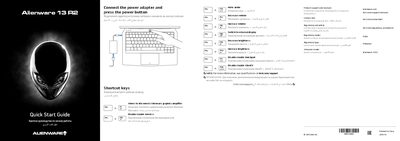
This quick start guide introduces the Dell Alienware 13 R2 2015-10 computer and shows how to connect the power adapter and turn it on.
It also identifies the computer's ports, lights, camera, microphones, keyboard, touch pad, and other features, and lists the available shortcut keys.
| Computer model | Alienware 13 R2 2015-10 |
|---|---|
| Regulatory model | P56G |
| Regulatory type | P56G002 |
Connect the power adapter and press the power button.
It is item 21 in the features list.
The guide lists keys for disconnecting the graphics amplifier, wireless, audio mute and volume, external display, brightness, touchpad, and AlienFX.