
Key facts
Start here
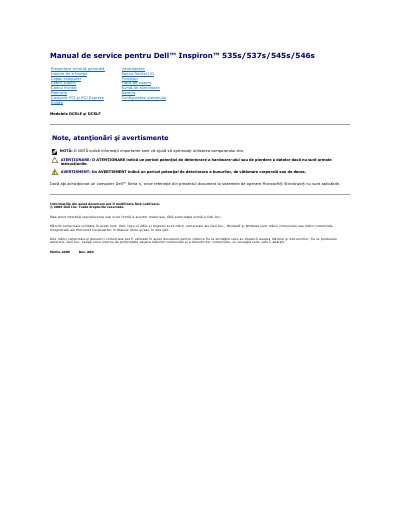
Dell Inspiron 535s/537s/545s/546s Models DCSLE and DCSLF Service Manual
This Romanian-language service manual covers Dell Inspiron 535s, 537s, 545s, and 546s desktop computers, models DCSLE and DCSLF. It describes safety precautions, recommended tools, shutdown steps, and removal and reinstallation procedures for components such as the computer cover, support bracket, front bezel, memory, PCI/PCI Express cards, drives, fans, front I/O panel, processor, system board, power supply, and battery.
The document also points readers to the configuration guide or Dell Support website for technical specifications and states that only an authorized service technician should perform repairs.
All Dell 546s Models DCSLE documents by type
Disassembly, diagnostics and part numbers, for repair.
Questions answered in these manuals
What tools may be needed for the procedures?
A small Phillips screwdriver and a small flat-blade screwdriver may be needed.
From: Dell Inspiron 535s/537s/545s/546s Models DCSLE and DCSLF Service Manual
How do you shut down the computer?
Close the operating system, ensure the computer and attached devices are off, and if they do not turn off automatically, press and hold the power button for about 4 seconds.
From: Dell Inspiron 535s/537s/545s/546s Models DCSLE and DCSLF Service Manual
Which small screwdrivers are recommended for the procedures?
A small Phillips screwdriver and a small flathead screwdriver.
How long should the power button be held if the computer does not turn off automatically?
About 4 seconds.
What tools are recommended for the procedures?
A small Phillips screwdriver and a small flat screwdriver may be needed.
From: Dell Inspiron 535s/537s/545s/546s Models DCSLE and DCSLF Service Manual
How do I shut down the computer before service?
Close the operating system, then make sure the computer and all connected devices are turned off.
From: Dell Inspiron 535s/537s/545s/546s Models DCSLE and DCSLF Service Manual