
The Dell™ Inspiron™ 535s/537s/545s/546s Models DCSLE and DCSLF Service Manual provides information on how to disassemble and replace computer components. It also provides troubleshooting steps on how to resolve computer issues.
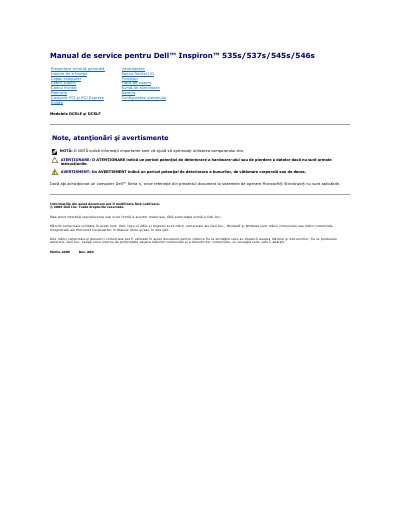
This Romanian-language service manual covers Dell Inspiron 535s, 537s, 545s, and 546s desktop computers, models DCSLE and DCSLF. It describes safety precautions, recommended tools, shutdown steps, and removal and reinstallation procedures for components such as the computer cover, support bracket, front bezel, memory, PCI/PCI Express cards, drives, fans, front I/O panel, processor, system board, power supply, and battery.
The document also points readers to the configuration guide or Dell Support website for technical specifications and states that only an authorized service technician should perform repairs.
A small Phillips screwdriver and a small flat-blade screwdriver may be needed.
Close the operating system, ensure the computer and attached devices are off, and if they do not turn off automatically, press and hold the power button for about 4 seconds.
Only an authorized service technician should perform repairs; unauthorized service work is not covered by the warranty.
Technical specifications are available in the configuration guide shipped with the computer or on the Dell Support website.