
Key facts
- Brand
- DELL
- Model
- PR09S
- Category
- Other Computer Accessories
- Documents
- 3
- Languages
- EN
- Last added
- 2023-11-25
Start here
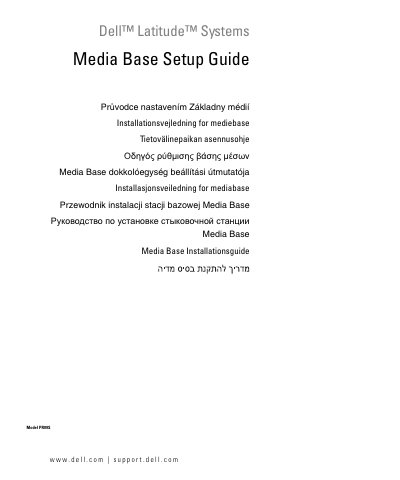
Dell Latitude PR09S Media Base Setup Guide
This document provides the setup guide for the Dell Latitude PR09S Media Base. It includes multilingual instructions for installing the device, securing it, and docking or undocking a compatible computer. The guide also details how to install or remove an optical drive and use external drives.
Read onlineAll Dell PR09S documents by type
Mounting, wiring and first power-up. Read it before the hardware goes in.
Questions answered in these manuals
What is the minimum clearance required on the vented sides of the device?
You must leave a minimum clearance of 10.2 cm (4 in) on all vented sides to permit proper airflow.
What safety classification is assigned to the Optical Disk Drives inside the media base?
The Optical Disk Drives are classified as "Class 1 Laser Products" under US DHHS Standard and EN/IEC60825-1 Laser Safety Standard.
What is the model number of the media base?
The media base model is PR09S.
From: Dell Latitude Systems Media Base Setup Guide (Model PR09S)
How can I undock the computer while it is operating?
Use the undock button.
From: Dell Latitude Systems Media Base Setup Guide (Model PR09S)
How should the media base be cleaned?
Clean it with a soft cloth dampened with water.
From: Dell Latitude Systems Media Base Setup Guide Model PR09S
What clearance is required around the vented sides?
Leave a minimum clearance of 10.2 cm (4 in) on all vented sides.
From: Dell Latitude Systems Media Base Setup Guide Model PR09S