
The Dell™ Inspiron™ 535s/537s/545s/546s Models DCSLE and DCSLF Service Manual provides information on how to use and maintain your Dell™ Inspiron™ 535s/537s/545s/546s Models DCSLE and DCSLF notebook.
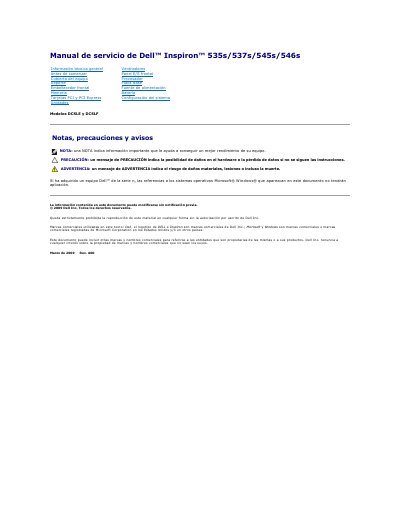
This is the Spanish-language service manual for the Dell Inspiron 535s, 537s, 545s, and 546s desktop computers, models DCSLE and DCSLF. It describes removal and installation procedures for components such as the computer cover, support, front bezel, memory, PCI and PCI Express cards, drives, fans, front I/O panel, processor, motherboard, power supply, and battery.
The manual also covers recommended tools, shutdown steps, safety instructions, and system configuration after removing or installing a PCI/PCI Express card. Technical specifications are referred to the installation guide or Dell support website. This manual is written in Spanish.
A small Phillips screwdriver and a small flat screwdriver may be needed.
Close the operating system, then make sure the computer and all connected devices are turned off.
Only a specialized service technician should perform repairs; unauthorized repairs are not covered by warranty.