
Cisco Unified IP Phone 9971 User Guide

This Estonian user guide provides instructions for operating the Cisco Unified IP Phone 9971, covering call handling, conferencing, and navigation.
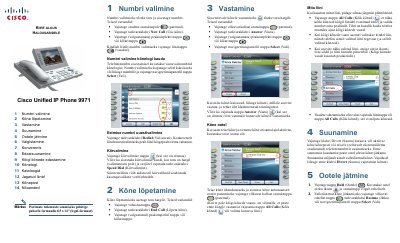

Cisco Unified IP Phone 9971 User Guide - cover page
Brand
Cisco
Document type
User Manual
Language
ET
Pages
2
File format
PDF
File size
2.5 MB
Published
19 October, 2026
Updated
19 October, 2026
Model
9971
MD5 checksum
C4D361ACDFF77D30C8E3F815DA9B1A4D

About this manual

This document serves as a user manual for the Cisco Unified IP Phone 9971. It details fundamental operations such as dialing numbers, ending calls, answering incoming calls, and muting the microphone. The guide also explains how to manage multiple lines and view call history.

What's inside

  • Numbri valimine
  • Kõne lõpetamine
  • Vastamine
  • Konverents
  • Edasisuunamine
  • Kõnelogi
  • Kataloogid
  • Jagatud liinid

Frequently asked questions

How do you place a call?

Lift the handset and enter the number, or press the device session button.

How do you end a call?

Place the handset back on the cradle, or press the End Call software key.

Download PDF (2.5 MB)

More Cisco Manuals


View all Cisco manuals →