
This manual introduces the functions and operations of the watch 5134 MA1007-CkB, including the use of the timing mode, world time mode, alarm mode, stopwatch mode, and countdown timer mode. It also explains how to set the digital time and date, and how to switch between daylight saving time and standard time.
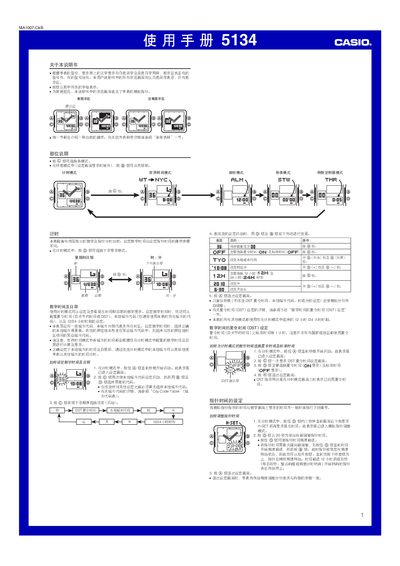
This manual provides step‑by‑step instructions for operating the Casio 5134MA1007‑CkB digital watch. It covers mode selection, time and date setting, daylight‑saving adjustments, city‑code configuration, and how to use the alarm, hourly chime, stopwatch and countdown timer.
Additional sections describe the LED illumination, button‑tone control, automatic calendar, battery specifications and reference tables for city codes and UTC offsets. This manual is written in Chinese.
| Battery type | SR726W silver‑oxide |
|---|---|
| Battery life | ≈ 2 years |
| Calendar range | 2000‑2099 (auto‑adjusting) |
| LED illumination | LED backlight |
In time‑setting mode, press the D button to toggle between DST and standard time; the DST indicator appears on the display when active.
Press the B button in any mode (except when the setting screen is displayed) to illuminate the display.