
This document describes how to use the Casio fx-82AU calculator to perform statistical operations, including changing calculator settings, entering statistical mode, entering observation values, displaying descriptive statistics, entering group data, and performing linear regression.
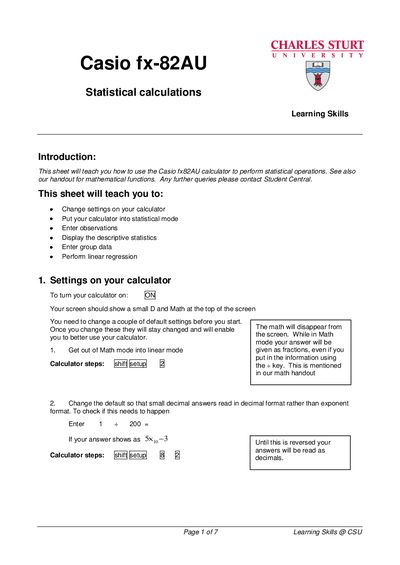
The guide teaches students how to use the Casio fx‑82AU calculator for statistical operations. It covers changing settings, switching to statistical mode, entering single‑variable observations, frequency‑table data, and grouped data, as well as performing linear regression.
Key sections include instructions for turning the calculator on, setting decimal display preferences, entering data in various modes, viewing descriptive statistics (mean, standard deviation, variance), and interpreting regression output. Additional resources and links are provided at the end of the document.
Press the A key (after accessing the setup menu) to put the calculator into statistical mode.
Change the default setting so that small decimal answers are shown in decimal format rather than exponent format.
After entering x and y data, press the appropriate keys to display the regression output; the y‑intercept (A) and slope (B) are shown.