
The 140CR electronic cash register is a member of the Casio electronic cash register series. It has 20 departments and 120 PLUs and supports automatic tax calculations. It also has a built-in calculator.
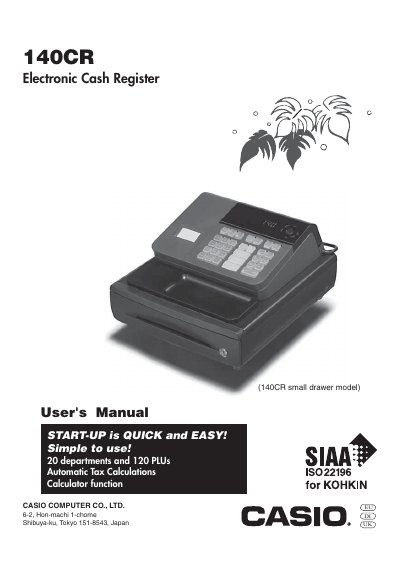
This manual introduces the Casio 140CR electronic cash register, covering safety precautions, power requirements, cleaning guidelines, and proper handling. It explains how to install the unit, connect it to a suitable AC outlet, and maintain the printer and power cord safely.
The guide details the operation of the register, including the mode switch functions, daily job flow, programming basics, and troubleshooting steps. It also lists specifications such as power supply range, display capacity, and drawer type, and provides instructions for ink roll replacement and drawer release.
| Power supply voltage | 120V‑240V, 50/60Hz |
|---|---|
| Display capacity | 8 digits |
| Model type | 140CR small drawer model |
Pull the drawer release lever; if the drawer is locked with a lock key, unlock it first.
Turn the register to OFF mode, remove the printer cover, lift the ink roll tab, install a new roll, and replace the cover.