
This document is about teaching activities for the Sharp EL-W516B calculator, including the calculator layout, special functions, and examples of use. The teaching activities cover basic arithmetic, fractions, powers and roots, parentheses and editing, angle conversions, trigonometric functions, inverse trigonometric functions, coordinate conversions, logarithms, inverse logarithms, base conversions, constants and conversions, random numbers and probability, and one-variable statistics.
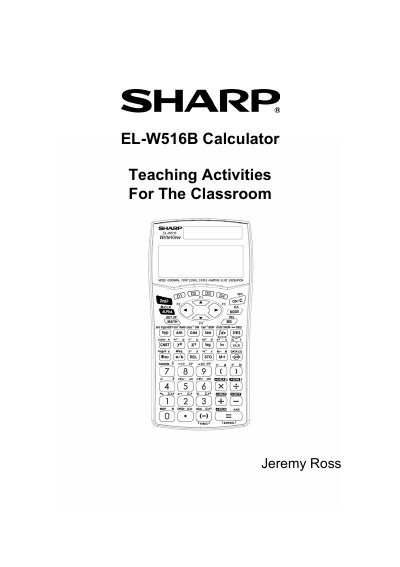
The document is a user guide for the Sharp EL-W516B WriteView calculator, specifically designed for educational use. It details the calculator's layout, special functions, and various modes including Normal, Stat, Drill, Complex, Matrix, List, and Equation modes. The guide explains how to perform calculations involving fractions, powers, roots, trigonometric functions, and statistics.
| Modes | NORMAL, STAT, DRILL, CPLX, MATRIX, LIST, EQUATION |
|---|---|
| Angle Units | Degrees, Radians, Grads |
| Display Notation | Five display notation systems |
Press [2nd] [DRG], then press (0) for degrees, (4) for radians, or (2) for grads.
Enter the numerator, press [/o], enter the denominator, and then press [=].