
This document is the user manual for Sharp 10-digit calculator, which mainly introduces the calculator's functions and operating methods, as well as precautions.
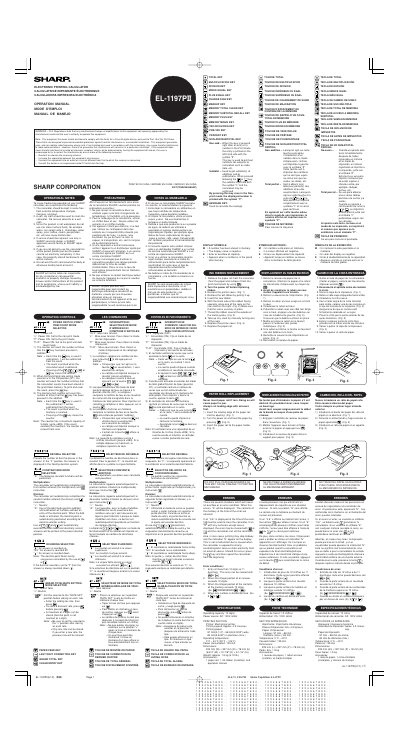
This document is the operation manual for the Sharp EL-1197PII electronic printing calculator. It provides instructions on using the device's various operating controls, including power switches, mode selectors for print and item counting, decimal settings, rounding options, and tax/discount rate storage.
The guide also outlines maintenance recommendations to ensure trouble-free operation, such as keeping the unit free from moisture and dust, cleaning with a dry cloth, and proper handling of the AC cord. It specifies that only authorized Sharp service facilities should be used for repairs.
| Counter Capacity | 3 digits (up to +999) |
|---|---|
| Product Type | Electronic Printing Calculator |
You should pull out the power cord to cut electricity completely, which will clear the currently stored tax/discount rate.
A soft, dry cloth should be used; do not use solvents or a wet cloth.
No, since the product is not waterproof, do not use it where fluids like water can splash onto it.