
Key facts
Start here
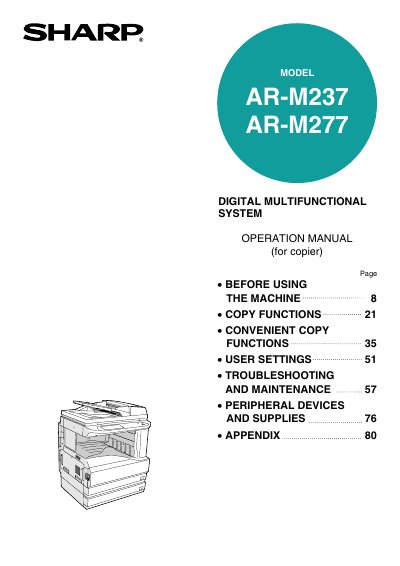
Sharp AR-M237/AR-M277 Digital Multifunctional System Operation Manual
This document serves as the operation manual for the Sharp AR-M237 and AR-M277 Digital Multifunctional Systems. It provides instructions on using the machine as a copier, including power management, paper loading, and various copy modes such as normal copying, automatic two-sided copying, and exposure adjustment.
The guide also details convenient copy functions like sorting, stapling, and special modes (e.g., margin shift, dual page), user settings for job programs, and procedures for troubleshooting misfeeds and replacing toner cartridges. It includes specifications and information on peripheral devices.
Sharp ARM277 specifications
| Printing speed (AR-M237) | 23 pages/min |
|---|---|
| Printing speed (AR-M277) | 27 pages/min |
| Resolution | 600 dpi |
| IMC Memory | 32 MB |
| Additional memory slots | 2 slots |
| Maximum additional memory | 1024 MB |
| Memory module type | 168-pin SDRAM DIMM |
| Interface | IEEE 1284-compliant bi-directional parallel interface/USB 2.0 |
Source: Sharp AR-M237/AR-M277 Printer Function Operation Manual
All Sharp ARM277 documents by type
Day-to-day operation, settings and troubleshooting. Start here if the product is already set up.
Questions answered in these manuals
What operating systems are supported for installation?
The software supports Windows 95, Windows 98, Windows Me, Windows NT Workstation 4.0 (Service Pack 5 or later), Windows 2000 Professional, and Windows XP Professional/Home Edition.
What hardware is required to install the software?
You need an IBM PC/AT or compatible computer equipped with a USB 2.0/1.1 or bi-directional parallel interface (IEEE 1284).
What is the default memory setting for the printer function?
The factory default setting for memory used for the printer function is 16 MB.
From: Sharp AR-M237/AR-M277 Printer Function Operation Manual
Can the proportion of IMC memory allocated to the printer function be changed?
Yes, the proportion of IMC memory allocated to the printer function can be changed in the key operator programs.
From: Sharp AR-M237/AR-M277 Printer Function Operation Manual
What is the minimum wait time required after turning the machine off before turning it back on?
You must wait 10 to 15 seconds after turning the machine off before turning it back on.
From: Sharp AR-M237/AR-M277 Digital Multifunctional System Operation Manual
How long must the machine remain at room temperature after being moved from a cool place to a warm place?
The machine must be left at room temperature for at least 2 hours before use.
From: Sharp AR-M237/AR-M277 Digital Multifunctional System Operation Manual