
This manual introduces the operation methods of VP-W80/W80U/W87/W87D camcorders.
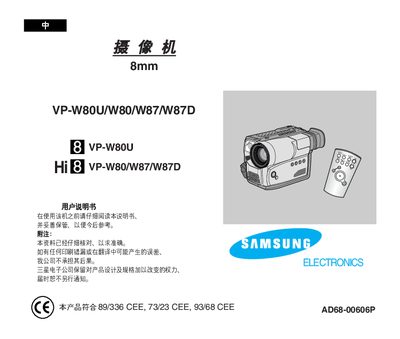
The manual describes the functions, controls, and operation modes of the VP‑W80U/W80/W87/W87D camcorder accessories, including OSD display, picture‑in‑picture, digital zoom, and special effects. It also details the included remote control (only for VP‑W87/W87D) and how to use features such as Snap Shot and Program AE.
Safety and battery handling instructions are emphasized, warning users to keep metal objects away from the circuit board, avoid short circuits, and store the lithium battery out of reach of children. Guidance on proper storage, temperature conditions, and battery replacement is also provided.
Do not let any metal objects touch the circuit board, as this may cause a short circuit.
Keep the lithium battery away from children and do not expose it to fire.
A remote control is included, but it works only with the VP‑W87 and VP‑W87D models.
Snap Shot allows quick capture of still images while recording video.