
Key facts
- Brand
- Samsung
- Model
- Galaxy A52 5G
- Category
- Mobilephone Accessories
- Industry
- Electronics
- Documents
- 2
- Languages
- EN
- Last added
- 2026-10-16
Start here
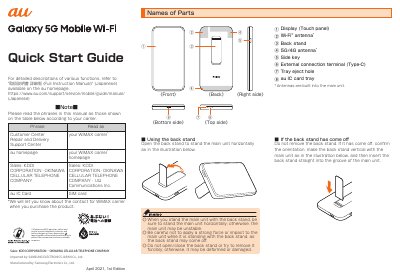
Samsung Galaxy A52 5G Quick Start Guide
This Quick Start Guide covers the initial setup process for the Samsung Galaxy A52 5G mobile Wi-Fi device. It includes instructions on attaching the SIM card, turning the power on, and performing initial settings such as selecting the communication mode and setting up Wi-Fi networks. The guide also explains how to switch the display language to English.
Read onlineAll Samsung Galaxy A52 5G documents by type
Day-to-day operation, settings and troubleshooting. Start here if the product is already set up.
The shortest path to a working setup, usually only a few pages.
Questions answered in these manuals
How do I turn on and off my Galaxy A52 5G?
Press and hold the Side key to turn the device on, or press and hold both the Side and Volume down keys simultaneously to power it off.
What type of SIM card does this phone use?
The Galaxy A52 5G uses a nano-SIM card, which may be preinstalled or require your previous SIM.
What happens if the display freezes and I cannot turn the power on?
Press and hold the side key for at least 7 seconds to restart the product.