
This User’s Guide provides information you need for setting up your machine. It also provides all of the detailed instructions for using your machine as a printer, a scanner, a copier, and a facsimile, and information for maintaining and troubleshooting the machine. The Software User’s Guide which is the second section of this guide provides information you need for installing the supplied software and using its features.
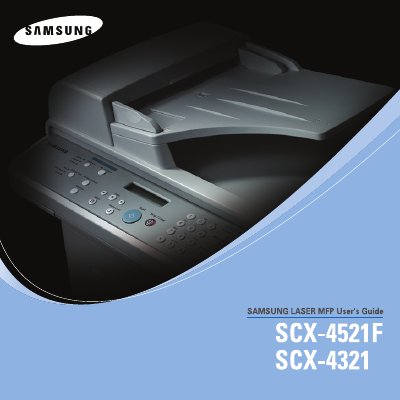
This User's Guide covers the complete operation of the Samsung SCX-4321 and SCX-4521F multifunction printers, which function as printers, scanners, copiers, and facsimile machines. It includes detailed instructions for initial setup, such as unpacking, installing toner cartridges, loading paper, and connecting the device to a computer or network. The guide also explains how to use the control panel to adjust settings like darkness, paper size, and language.
| Product Type | Multifunction Printer |
|---|---|
| Models Covered | SCX-4321 and SCX-4521F |
| Copyright Year | 2005 |
The machine functions as a printer, a scanner, a copier, and a facsimile.
This guide covers the SCX-4321 and SCX-4521F models.
Yes, the guide includes instructions for changing the display language and country settings.