
This User's Guide provides the information you need to set up your machine. It also provides detailed instructions for using your machine as a printer, scanner, copier, and facsimile, as well as information for maintaining and troubleshooting the machine.
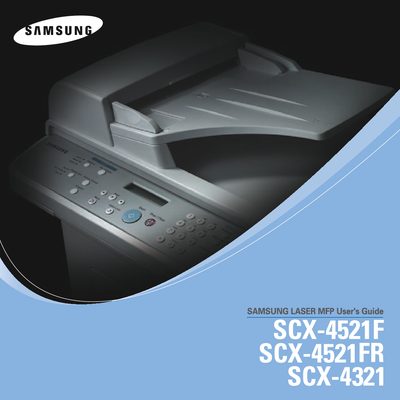
The Samsung SCX-4521F Laser MFP User Manual provides step‑by‑step instructions for installing, configuring and using the printer, scanner, copier and fax functions. It includes detailed sections on unpacking, connecting, loading toner and paper, and installing the supplied software on Windows, Mac and Linux.
Additional chapters cover safety precautions, routine cleaning, maintenance tasks, troubleshooting common errors, and full technical specifications. The guide also contains a dedicated fax section that applies only to the SCX-4521F model.
Use the "Changing the Display Language and Country" section in the Getting Started chapter.
Refer to the "Cleaning Your Machine" subsection under the Maintenance chapter for cleaning instructions.
Faxing is supported only on the SCX-4521F model, as indicated in the Faxing section.
The "Important Precautions and Safety Information" section lists all required safety measures.