
Key facts
Start here
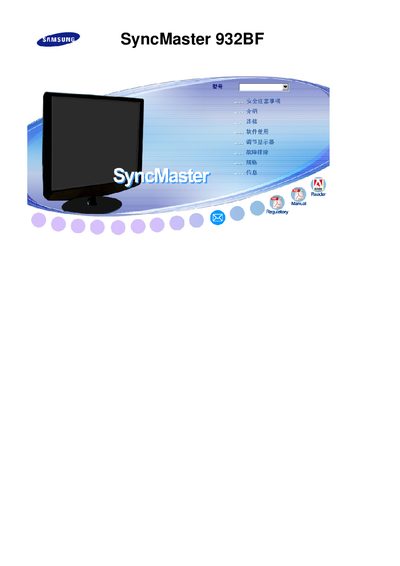
Samsung SyncMaster 932BF User Manual
This manual covers the Samsung SyncMaster 932BF LCD monitor, including safety precautions, installation steps, and basic operation. It provides details on the TFT‑LCD panel, native resolution, refresh rate, and Energy Star compliance.
The document also lists technical specifications, warranty information, and contact details for Samsung Electronics in Mexico and Korea. Users can refer to the troubleshooting section for common issues and to the specifications table for performance data.
Samsung 932BF specifications
| Connectivity | Analog (15‑pin D‑sub), Dual (24‑pin DVI‑D) |
|---|---|
| Power Consumption | 38 W |
| DPMS Power | under 1 W (230 V AC) |
All Samsung 932BF documents by type
Disassembly, diagnostics and part numbers, for repair.
Day-to-day operation, settings and troubleshooting. Start here if the product is already set up.
Questions answered in these manuals
How do I turn the monitor on and off?
Press the Power button; the power indicator glows green during operation and blinks when adjustments are saved.
How can I switch between analog and digital video inputs?
Press the SOURCE button to select the desired video signal while the OSD is off; the current mode is displayed on screen.
What is the native resolution of the SyncMaster 932BF?
The monitor’s native resolution is 1280 × 1024 pixels.
Is the SyncMaster 932BF Energy Star certified?
Yes, the monitor is Energy Star certified.