
This document is a user manual, which includes some precautions, safety regulations, and usage suggestions related to mobile phones. It also includes the address information of Samsung Telecommunications Technology Co., Ltd. and Samsung Kejian Mobile Communication Technology Co., Ltd.
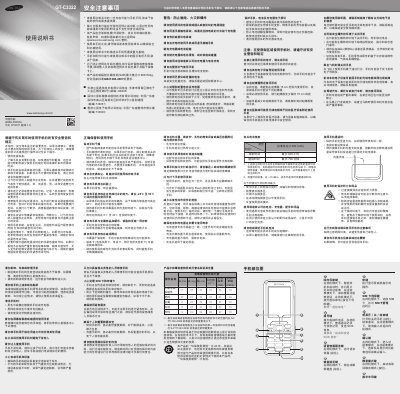
This manual covers safety precautions, proper handling, and legal warnings for the Samsung GT-C3322 mobile phone. It includes information on SAR limits, battery safety, and environmental restrictions.
The guide explains how to install the SIM card and battery, power the device on and off, manage network settings, use the camera, send messages, and configure alarms and other phone functions. Technical specifications such as battery capacity, standby time, talk time, and supported memory cards are also listed. This manual is written in Chinese.
| SAR (Maximum) | 0.906 W/kg |
|---|---|
| Battery Capacity | 1000 mAh |
| Standby Time (Maximum) | 600 hours |
| Talk Time (Maximum) | 700 minutes |
| Maximum microSD Capacity | 16 GB |
The maximum SAR value is 0.906 W/kg.
It can support up to 16 GB of microSD or microSDHC cards.
The battery can last up to 600 hours in standby.
The standard battery capacity is 1000 mAh.