
This document is the user manual for Samsung GT-C3322 mobile phone, providing instructions on how to use the phone and important precautions.
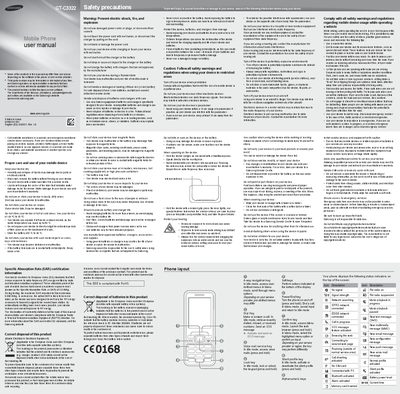
This manual begins with safety precautions, covering injury prevention, proper care, battery handling, exposure limits, and disposal requirements for the GT-C3322 mobile phone. It also details SAR certification, storage temperature limits, and warnings about electric shock, fire, and explosion.
The second part explains how to install the SIM card and battery, make calls, adjust volume, use the keypad, manage contacts, send messages, and configure settings such as ringtone and sound profiles. Instructions for using the smart home screen, fake‑call feature, and dual‑SIM functions are also included.
| Maximum SAR (recorded) | 0.908 W/kg |
|---|
Remove the back cover and insert the SIM card with the gold‑coloured contacts facing down.