
Key facts
- Brand
- Philips
- Model
- SA2521
- Category
- MP3 Player
- Industry
- Electronics
- Documents
- 3
- Languages
- ZH
- Last added
- 2012-03-27
Start here
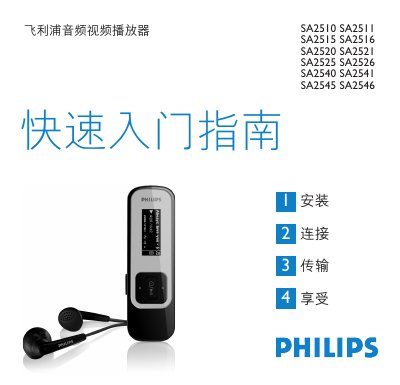
Philips SA2510 SA2511 SA2515 SA2516 SA2520 SA2521 SA2525 SA2526 SA2540 SA2541 SA2545 SA2546 Player Quick Start Guide
Philips SA2510, SA2511, SA2515, SA2516, SA2520, SA2521, SA2525, SA2526, SA2540, SA2541, SA2545 and SA2546 are portable audio/video players. This quick start guide covers installation of Philips Device Manager, battery insertion, connecting to a PC by USB, transferring music by drag and drop, and basic playback controls.
It also explains the main menu, music modes, FM radio with up to 20 presets, voice and radio recording, and troubleshooting steps such as resetting the player. The guide lists minimum PC requirements and describes handling of end-of-life products. This manual is written in Chinese.
Philips SA2521 specifications
| Power | AAA batteries |
|---|---|
| Display | White backlight LCD, 128 x 48 pixels |
| Audio Channels Separation | 40dB |
| Frequency Response | 80-16000 Hz |
| Storage Capacity | SA251x: 1GB NAND Flash, SA252x: 2GB NAND Flash, SA254x: 4GB NAND Flash |
All Philips SA2521 documents by type
Day-to-day operation, settings and troubleshooting. Start here if the product is already set up.
The shortest path to a working setup, usually only a few pages.
Questions answered in these manuals
How do I register my product?
Visit www.philips.com/register to register your product for free updates.
How do I connect my player to a computer?
Use the included USB cable to connect the player to your computer via USB port.
How do I reset the player if it freezes?
Remove and reinsert the battery; if that does not work, use Philips Device Manager to repair the player.
How many FM radio stations can be stored?
The radio can store up to 20 preset stations.