
This document is the operating instructions and reference guide for a certain model of printer, reminding users to read it carefully before operating. It also includes some trademark information.
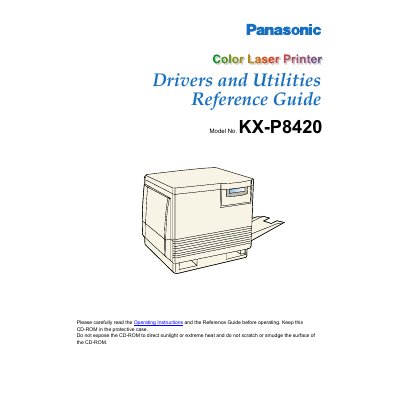
This document serves as a reference guide for the Panasonic KX-P8420 Color Laser Printer, specifically focusing on the drivers and utilities provided on the CD-ROM. It details how to configure printing options and manage print jobs across various operating systems, including Windows 95, Windows NT 4.0, Windows 3.1, Macintosh, and UNIX workstations.
The guide provides instructions on setting up PostScript printing, utilizing the ColorWise tab for color management, and accessing Fiery WebTools for job management. It also covers technical aspects such as the physics of color, paper stock, toner, and maintenance procedures to ensure consistent print quality.
The default paper size is set to Letter, which measures 6.50x 11.00 in.
Features marked with this icon require a minimum of 32 MB of SDRAM.