
OLYMPUS DIGITAL CAMERA FE-120 X-700 Basic Manual

This is a basic manual for the Olympus FE-120 X-700 digital camera, which introduces the basic operation and usage of the camera.
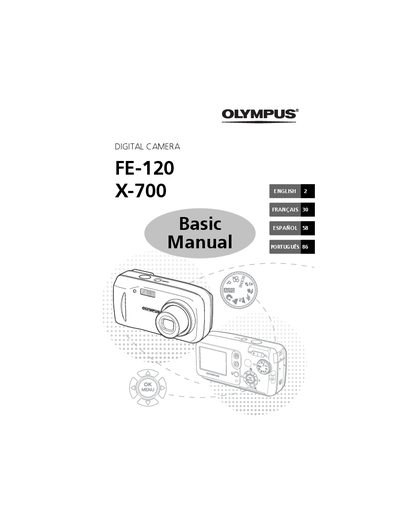

OLYMPUS DIGITAL CAMERA FE-120 X-700 Basic Manual - cover page
Brand
Olympus
Category
Digital cameras
Document type
User Manual
Language
English
Pages
116
File format
PDF
File size
5.7 MB
Published
08 June, 2012
Updated
30 September, 2023
Models
FE-120, X-700
MD5 checksum
9AF641F6F01D23AF247B1A0A8C81AD48

About this manual

This manual provides basic instructions for the Olympus FE-120 digital camera. It guides users through initial setup steps such as attaching the strap, inserting batteries, and setting the date and time. The guide explains how to take pictures using zoom and focus functions, review or erase images, and transfer data to a computer.

What's inside

  • Getting Started
  • Take a Picture
  • Review or Erase a Picture
  • Transfer Images
  • Shooting Tips
  • Mode Dial
  • SCENE Modes
  • Flash Modes
  • Menus and Settings
  • Connecting the Camera

Frequently asked questions

What items are included in the camera box?

The box contains a strap, xD-Picture Card, AA (R6) Batteries (two), USB Cable, OLYMPUS Master software CD-ROM, Advanced Manual, Basic Manual, Warranty card, and Registration card.

How do you lock focus on the Olympus FE-120?

Press and hold the shutter button halfway to lock focus, indicated by a green lamp.

How do you erase a picture permanently?

Display the picture, press the Erase button, select [YES], and press the OK/Set button.

Download PDF (5.7 MB)

More Olympus Manuals


View all Olympus manuals →