
OLYMPUS digital cameraFE-120 X-700 senior Manual

Olympus digital camera user manual, which introduces the functions and operation methods of the camera.
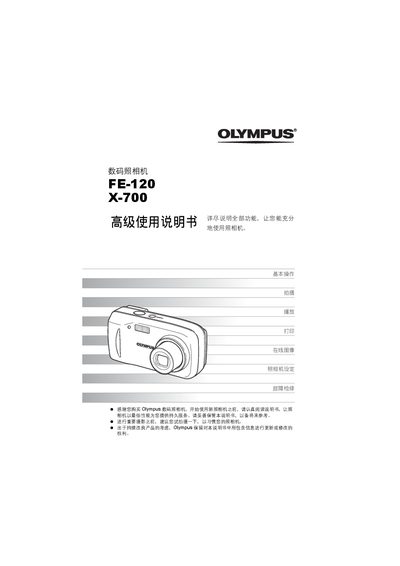

OLYMPUS digital cameraFE-120 X-700 senior Manual - cover page
Brand
Olympus
Category
Digital cameras
Document type
User Manual
Language
Chinese
Pages
139
File format
PDF
File size
9.2 MB
Published
15 March, 2012
Updated
28 September, 2023
Models
FE-120, X-700
MD5 checksum
0CF35A21EDD678BC6DA9A0BDB7C10E7C

About this manual

This document is the Advanced User Manual for the Olympus FE-120 X-700 digital camera. It is designed for users who have already mastered basic operations and wish to explore the camera's full range of creative functions. The guide explains how to use various shooting modes, adjust image settings, and utilize advanced features like panorama shooting and image synthesis. This manual is written in Chinese.

What's inside

  • Basic Operations
  • Shooting Modes
  • Playback Functions
  • Camera Settings
  • Printing Images
  • Connecting to Computer
  • Troubleshooting
  • Specifications

Frequently asked questions

What are the two operating modes of this camera?

The camera has shooting mode and playback mode.

How do I turn on the camera in shooting mode?

Press the POWER switch.

How do I turn on the camera in playback mode?

When the camera is off, press the playback button ($).

How do I switch between shooting and playback modes?

Use the shooting button (#) and playback button ($).

Download PDF (9.2 MB)

More Olympus Manuals


View all Olympus manuals →