
Key facts
- Brand
- Olympus
- Model
- P-11
- Category
- Printer
- Industry
- Electronics
- Documents
- 2
- Languages
- EN
- Last added
- 2026-11-20
Start here
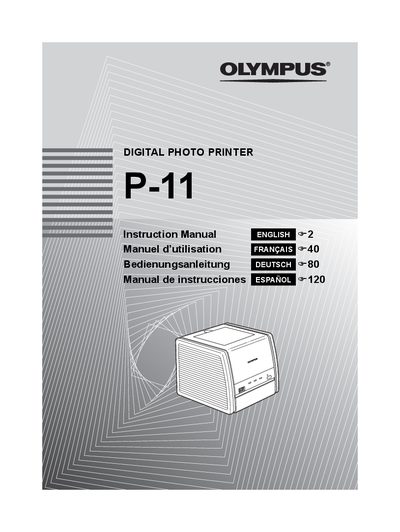
OLYMPUS DIGITAL PHOTO PRINTER P-11 Instruction Manual
This document is the official user guide for the Olympus P-411 Digital Photo Printer. It provides comprehensive instructions on safety precautions, initial preparation including power connection and loading ink ribbon cartridges, and operating procedures for printing pictures directly from digital cameras or via a computer using printer drivers.
The manual also covers troubleshooting common issues such as paper jams, indicator lights, and running out of paper or ink. Additionally, it includes sections on care and storage, specifications, service information, and definitions of terms used throughout the guide.
Olympus P-11 specifications
| Weight | approximately 15 kg (30 lbs) |
|---|---|
| Wall clearance | at least 10 cm (4 inches) |
| Incompatible ink ribbon | P-400 ink ribbon P-RBN |
| Paper guide size | A5 wide paper |
All Olympus P-11 documents by type
Day-to-day operation, settings and troubleshooting. Start here if the product is already set up.
Questions answered in these manuals
Can the P-400 ink ribbon P-RBN be used in this printer?
No. The P-400 ink ribbon P-RBN cannot be used in this printer for printing.
How much weight must the printer installation site withstand?
It must be able to withstand approximately 15 kg (30 lbs).
What is the model number of this printer?
The product name is Digital Photo Printer and the model number is P-411.
Where should I install the printer to prevent damage?
Do not expose the printer to direct sunlight or extremely high temperatures, and keep it away from dusty, humid, or oily places.