
This is an instruction manual for the P-11 Digital Photo Printer, which describes the features and performance of the product.
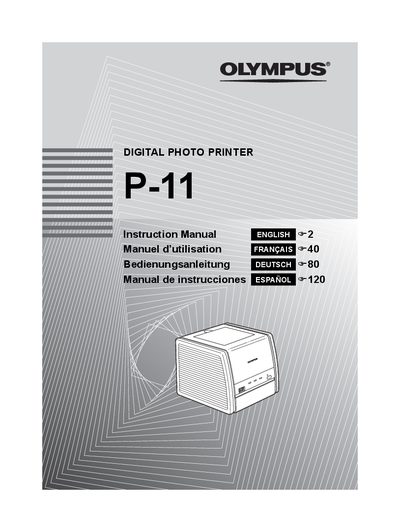
This document is the official user guide for the Olympus P-411 Digital Photo Printer. It provides comprehensive instructions on safety precautions, initial preparation including power connection and loading ink ribbon cartridges, and operating procedures for printing pictures directly from digital cameras or via a computer using printer drivers.
The manual also covers troubleshooting common issues such as paper jams, indicator lights, and running out of paper or ink. Additionally, it includes sections on care and storage, specifications, service information, and definitions of terms used throughout the guide.
The product name is Digital Photo Printer and the model number is P-411.
Do not expose the printer to direct sunlight or extremely high temperatures, and keep it away from dusty, humid, or oily places.
The manual indicates a specific section for handling this situation, titled 'If the ink ribbon runs out during printing'.