
Key facts
- Brand
- Olympus
- Model
- E-500
- Category
- Digital cameras
- Industry
- Electronics
- Documents
- 4
- Languages
- EN · ZH
- Last added
- 2012-06-08
Start here
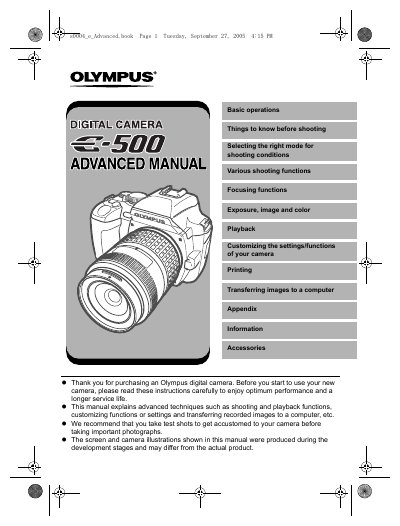
Olympus E-500 Digital Camera Advanced Manual
The Olympus E-500 is a digital camera designed for users seeking control over their photography. This manual provides detailed instructions on operating the device, including selecting appropriate modes for various shooting conditions such as Program (P), Aperture Priority (A), Shutter Priority (S), and Manual (M) modes.
The guide explains essential functions like auto bracketing, flash usage, focusing techniques (AF and MF), and image customization. It also covers post-shooting processes including playback on the camera screen, editing still images, printing via PictBridge, and transferring files to a computer using OLYMPUS Master software.
Olympus E-500 specifications
| Sensor type | 4/3 type full‑frame color CCD |
|---|---|
| Total pixel count | ≈8,880,000 pixels |
| Effective pixel count | ≈8,000,000 pixels |
| LCD screen | 2.5‑inch TFT color LCD (≈215,000 pixels) |
| Shutter speed range | 1/4000 – 60 s |
| Lens mount | 4/3 mount |
All Olympus E-500 documents by type
Day-to-day operation, settings and troubleshooting. Start here if the product is already set up.
Questions answered in these manuals
What software is used to transfer images?
The provided OLYMPUS Master software is used for transferring and viewing still images on a computer.
How do I check my camera's functions?
You can refer to the menu directory or available functions by shooting mode listed in the appendix.
What types of memory cards are compatible with this camera?
Pictures are stored on CompactFlash or xD-Picture Card media.
How far must you stand from a subject's face when using the flash?
You must be at least 1 meter (3 feet) away from your subjects' faces.
What memory cards does this camera support?
This camera can use a Compact Flash, Microdrive or xD-Picture Card.
How do I attach the strap to the camera?
Thread one end of the strap through the strap eyelet on the camera, then thread it through the ring and stopper.