
This manual describes shooting and playback functions, custom functions or settings, and advanced techniques such as transferring recorded images to a computer.
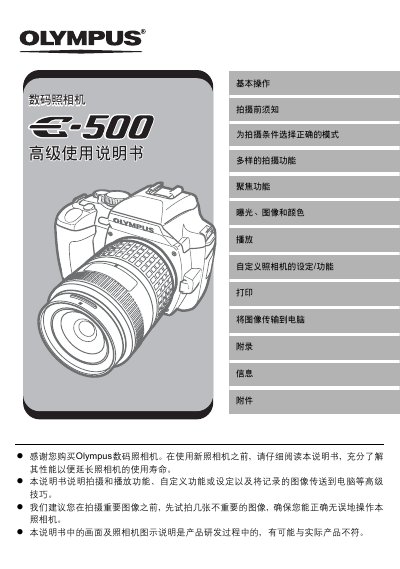
This manual explains how to operate the Olympus E-500 digital camera, covering basic functions such as power‑on, menu navigation, and safety precautions. It guides users through shooting modes, focus options, exposure control, and playback features.
Additional sections describe custom settings, printing via PictBridge, transferring images to a computer with Olympus Master software, battery handling, and detailed specifications of the camera’s sensor, lens mount, and LCD screen. This manual is written in Chinese.
| Sensor type | 4/3 type full‑frame color CCD |
|---|---|
| Total pixel count | ≈8,880,000 pixels |
| Effective pixel count | ≈8,000,000 pixels |
| LCD screen | 2.5‑inch TFT color LCD (≈215,000 pixels) |
| Shutter speed range | 1/4000 – 60 s |
| Lens mount | 4/3 mount |
The camera is equipped with a 2.5‑inch TFT color LCD screen.