
Olympus E-500 Digital Camera Quick Start Guide

This document provides instructions on how to attach a lens to the camera, set the date and time, and review the documentation.
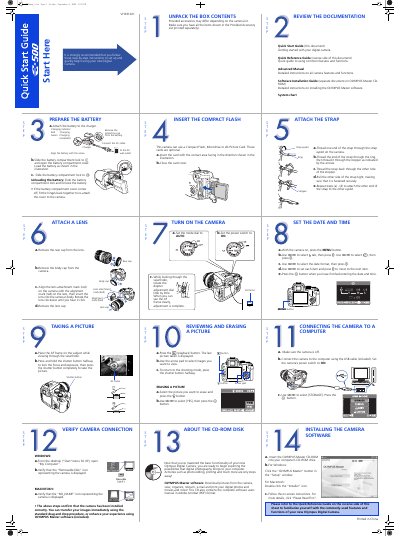

Olympus E-500 Digital Camera Quick Start Guide - cover page
Brand
Olympus
Category
Digital cameras
Document type
User Manual
Language
English
Pages
2
File format
PDF
File size
864 KB
Published
08 June, 2012
Updated
28 September, 2023
Model
E-500
MD5 checksum
2A5FAFBC05539F1A374C5CF433016672

About this manual

This document serves as a Quick Start Guide for the Olympus E-500 digital camera. It provides step-by-step instructions to set up the device, including preparing the battery, attaching a lens, inserting memory cards (Compact Flash, Microdrive, or xD-Picture Card), and turning on the camera.

What's inside

  • Prepare the Battery
  • Attach a Lens
  • Taking a Picture
  • Verify Camera Connection
  • Unpack the Box Contents
  • Insert the Compact Flash
  • Turn On the Camera
  • Reviewing and Erasing a Picture
  • About the CD-ROM Disk
  • Attach the Strap

Frequently asked questions

What memory cards does this camera support?

This camera can use a Compact Flash, Microdrive or xD-Picture Card.

How do I attach the strap to the camera?

Thread one end of the strap through the strap eyelet on the camera, then thread it through the ring and stopper.

Download PDF (864 KB)

More Olympus Manuals


View all Olympus manuals →