
Key facts
- Brand
- Olympus
- Model
- SP-500
- Category
- Digital cameras
- Industry
- Electronics
- Documents
- 2
- Languages
- EN · ZH
- Last added
- 2012-05-09
Start here
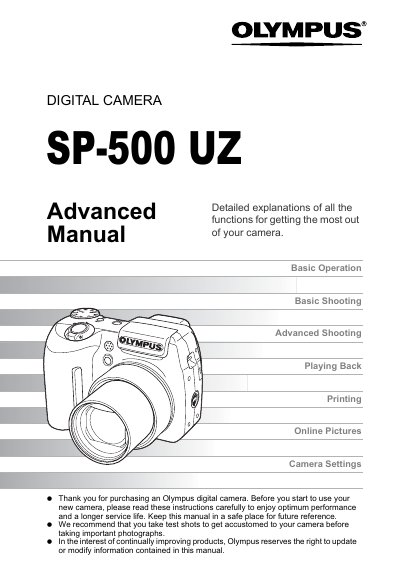
Olympus SP-500 UZ Advanced User Manual
This manual covers everything you need to know to operate the Olympus SP-500 UZ digital camera. It starts with basic operation, tips before shooting, and step‑by‑step guidance for both basic and advanced shooting functions, including aperture, shutter speed, focus modes, and creative features such as panorama and timelapse.
Later sections explain how to play back and edit images, adjust camera settings, print pictures, and connect the camera to a computer using Olympus Master. An appendix provides troubleshooting, battery information, safety precautions, and a glossary of terms.
All Olympus SP-500 documents by type
Day-to-day operation, settings and troubleshooting. Start here if the product is already set up.
Questions answered in these manuals
How do I reset the camera settings to default?
Select the reset option to restore all settings to the preset defaults.
How can I connect the SP-500 UZ to a computer?
Install and use Olympus Master software to connect the camera via USB and transfer images.