
Key facts
- Brand
- Olympus
- Model
- E-300
- Category
- Digital cameras
- Industry
- Electronics
- Documents
- 4
- Languages
- ZH · JA
- Last added
- 2012-06-08
Start here
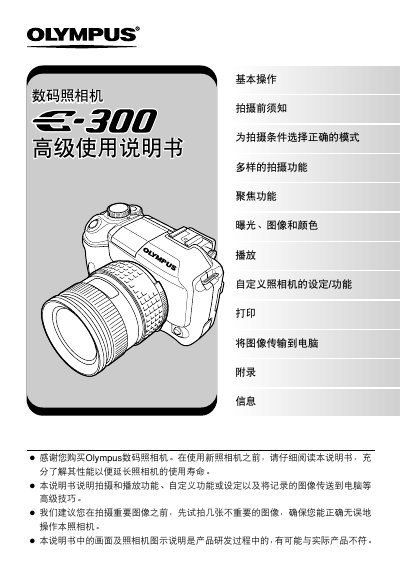
OLYMPUS digital cameraE-300 senior Manual
This manual provides step‑by‑step instructions for using the Olympus E‑300 digital camera, covering basic operation, menu navigation, and recommended shooting techniques. It includes detailed guidance on focusing, exposure settings, white balance, and various creative shooting modes.
Additional sections describe how to print photos directly from the camera, transfer images to a computer using Olympus Master software, and perform routine maintenance such as cleaning and battery checks. An appendix offers troubleshooting tips and a glossary of terms. This manual is written in Chinese.
All Olympus E-300 documents by type
Day-to-day operation, settings and troubleshooting. Start here if the product is already set up.
The shortest path to a working setup, usually only a few pages.
Questions answered in these manuals
How can I format the memory card in the camera?
The manual explains that you can format the memory card in the camera, which will erase all data on the card.
How do I transfer images from the camera to a computer?
Use the supplied Olympus Master software to connect the camera to a PC, view and copy images, then disconnect.
How do I switch to manual focus mode?
Select the MF (Manual Focus) mode as listed in the focus options.
How can I connect the Olympus Master accessory?
Install the Olympus Master accessory following the instructions in the section about using the attached Olympus Master.
What image file formats does the Olympus E‑300 support?
It can record RAW, TIFF, SHQ, HQ, and SQ files.